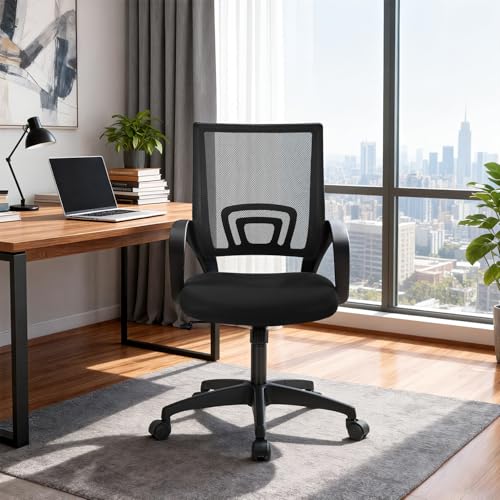
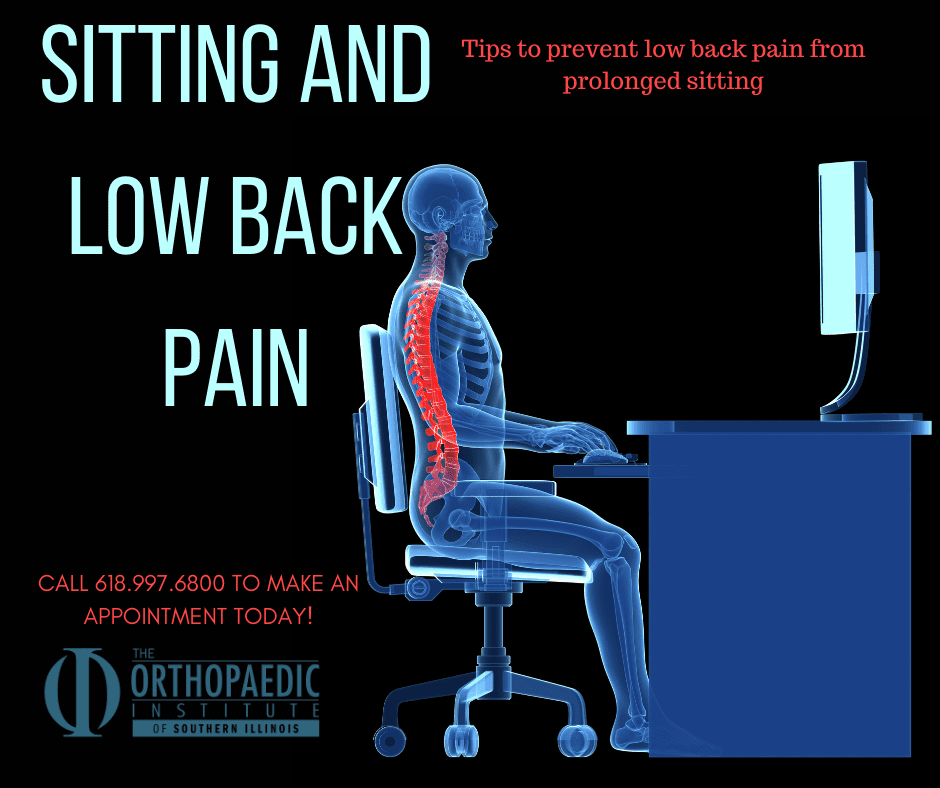
Poor support, bad posture, and long sitting sessions strain the spine and surrounding muscles.
I have spent years studying ergonomic design and treating people with low back pain. This article explains clearly why chairs cause back pain, how common chairs fail our bodies, and what you can do right now to sit better and hurt less. Read on for practical fixes, simple exercises, and tested chair features that work.
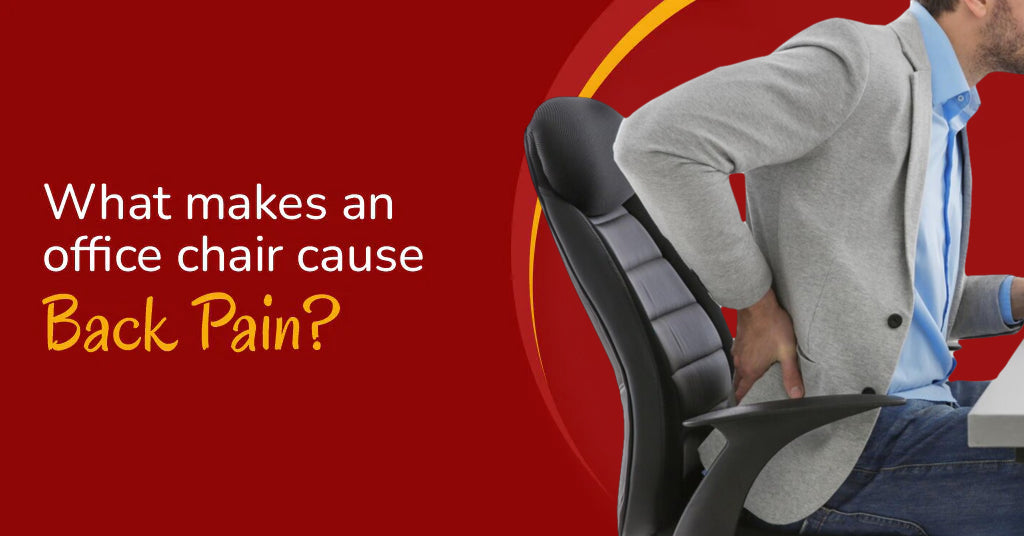
How chairs cause back pain: the biomechanics
Chairs shape how your spine sits. When a chair forces your hips to roll back or your pelvis to tilt, your lumbar curve flattens. That change raises pressure on discs and stretches small spinal muscles. Over hours, tissues tire and pain begins.
Sitting still for long periods makes this worse. Muscles that support your spine get less blood flow. Joints stiffen and nerves feel more sensitive. This combination explains why chairs cause back pain for many people.
Common scenarios that show how chairs cause back pain:
- Seat without lumbar support lets the lower back flatten, hurting discs and muscles.
- Too-deep or too-shallow seats change hip angle and strain the pelvis.
- Fixed backs and no tilt force static posture and make muscles tired.
- Hard seats increase pressure points and change how you shift weight.
Studies and clinical observations support this pattern. People who sit a lot report more low back pain. Ergonomic changes often reduce pain when applied correctly.

Common chair problems that lead to pain
Many chairs look fine but hurt the body. Here are the most common design and use problems that explain why chairs cause back pain.
Seat and back problems
- No lumbar support lets the spine lose its natural curve.
- Flat seat pans push you forward and cause slouching.
- High or low armrests change shoulder and neck position, creating compensations down the spine.
Adjustability and fit issues
- One-size chairs rarely fit all body shapes.
- Lack of seat depth or height adjustment forces awkward hip angles.
- Non-tilting backs stop you from changing posture during long work.
Material and cushion problems
- Too-firm or too-soft cushions change pressure distribution.
- Worn foam fails to support the pelvis properly.
- Hard edges press into thighs and alter circulation.
These faults help explain why chairs cause back pain even when people try to sit “the right way.” Small fixes can make a big difference.
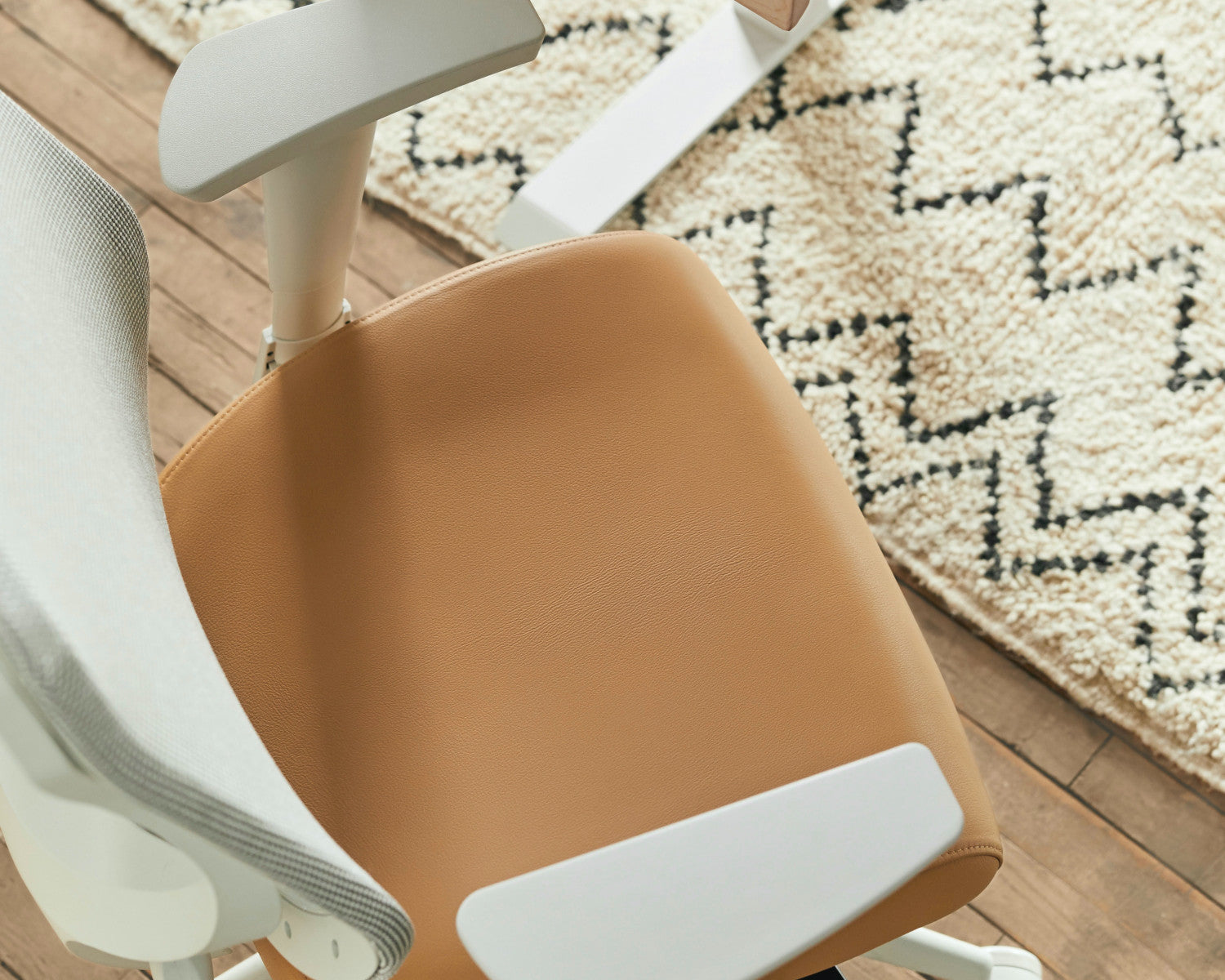
Ergonomics and posture: how to sit to avoid pain
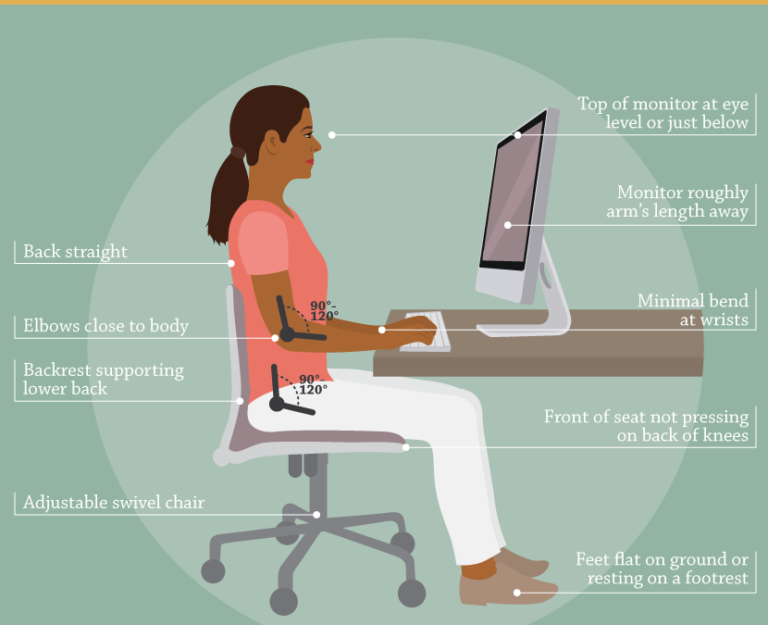
Good posture is not rigid. It is a series of small alignments that keep the spine supported. Understanding these points helps you see why chairs cause back pain and how to stop it.
Key ergonomic rules
- Keep feet flat on the floor or on a footrest so knees are about level with hips.
- Sit back so your buttocks touch the chair back and the lumbar curve rests on the support.
- Keep the top of your monitor at or slightly below eye level to avoid forward head posture.
- Arms should rest lightly on armrests so shoulders stay relaxed.
Micro-adjustments that matter
- Tilt the seat or back slightly to keep the pelvis neutral.
- Move your hips forward and back every 20 to 30 minutes.
- Use a small lumbar roll if your chair lacks built-in support.
Ergonomics changes why chairs cause back pain by restoring natural curves and reducing static load. Even small posture tweaks cut pressure and fatigue.

Chair features and choices that reduce back pain
Not all chairs are equal. Choosing the right chair can prevent or reduce pain. Here are features to prioritize and why they matter for understanding why chairs cause back pain.
Must-have features
- Adjustable lumbar support to match your lower back shape.
- Seat height and depth adjustment to fit your leg length.
- Recline or tilt mechanisms so you can change angles.
- Stable armrests that support elbows without lifting shoulders.
Nice-to-have features
- Breathable cushioning to reduce sweating and pressure.
- A forward tilt option for users who work at a laptop.
- Swivel base to cut twisting and reach strain.
How to try a chair in-store or at home
- Sit for at least 10 minutes and try different work tasks.
- Adjust lumbar and seat depth and test comfort while typing.
- Notice if you need to lean forward; that indicates poor support.
Picking the right chair targets the core reasons why chairs cause back pain. It’s an investment in daily comfort and long-term spinal health.
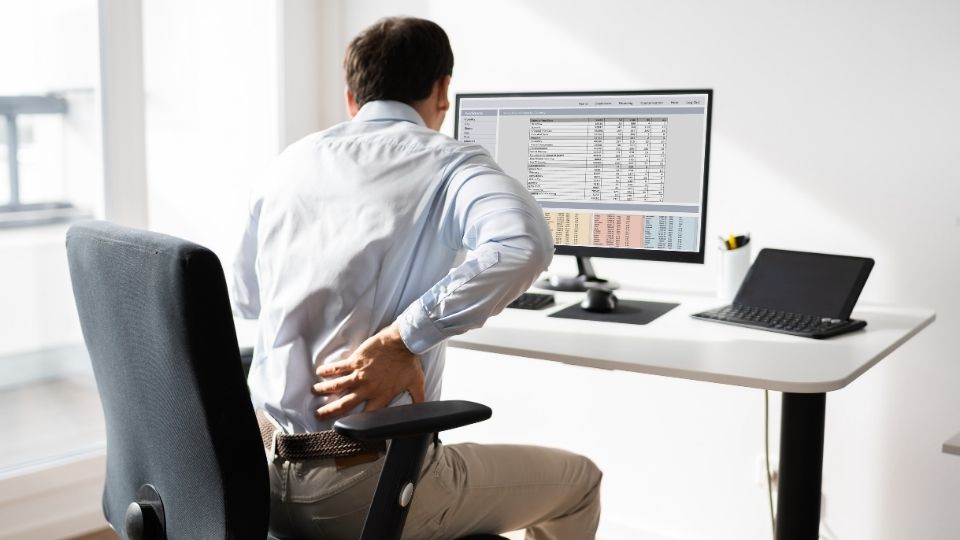
Healthy sitting habits and exercises to relieve pain
Even a perfect chair will fail if you sit still all day. Good habits and simple exercises reduce the reasons why chairs cause back pain.
Movement rules
- Stand or walk for 2 to 5 minutes every 30 minutes.
- Alternate sitting with standing or walking tasks.
- Use the phone or stretch while standing when possible.
Simple exercises to do at your desk
- Pelvic tilts: sit tall and gently rock the pelvis forward and back for 10 reps.
- Seated thoracic rotation: turn your upper body slowly left and right for 8 reps each side.
- Hip flexor stretch: stand, step one foot back, and tuck pelvis under briefly for 20 seconds.
Strength and flexibility for the long term
- Strengthen your core with planks and bridges two to three times weekly.
- Stretch tight hip flexors and hamstrings to keep pelvic tilt balanced.
- Work on shoulder mobility to stop upper body compensation that affects the lower back.
These habits attack the main reasons why chairs cause back pain by restoring movement and tissue resilience.

Alternatives to sitting: standing, active sitting, and cushions
If a chair keeps causing pain, change the way you work. Alternatives can reduce why chairs cause back pain, but they need thoughtful use.
Standing desks
- Alternate between standing and sitting to avoid fatigue.
- Use an anti-fatigue mat to reduce leg strain while standing.
- Keep monitor at eye level and elbows near 90 degrees.
Active sitting options
- Use a stability ball or wobble stool for short periods to engage core muscles.
- Try a dynamic chair that allows small movement while supporting the lumbar area.
Cushions and supports
- Ergonomic cushions can add lumbar support to old chairs.
- Seat wedges change hip angle and reduce posterior pelvic tilt.
- Portable lumbar rolls help when traveling or using non-ergonomic chairs.
Alternatives help explain why chairs cause back pain by giving the body different loads and motion. The key is not to swap one static position for another.
My experience and lessons learned
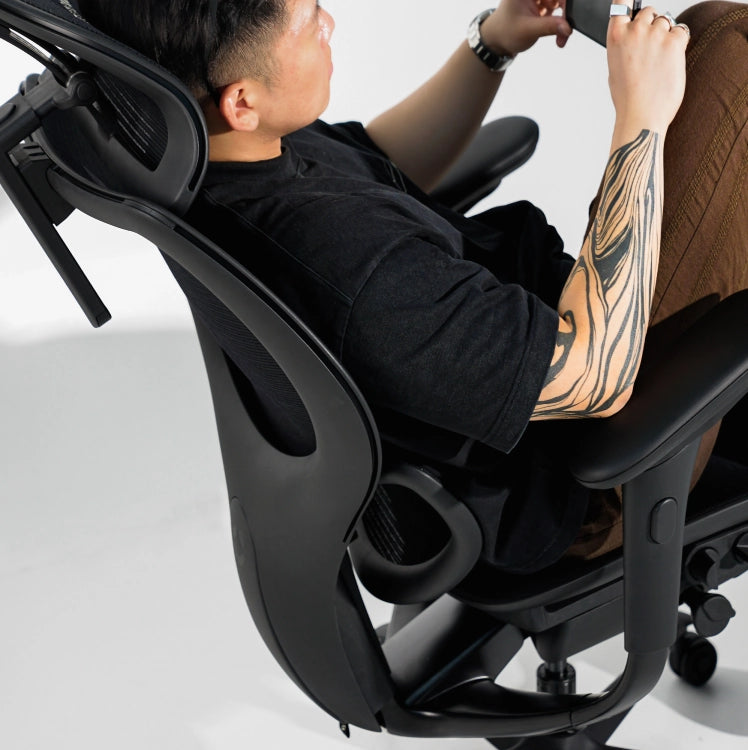
I have tested many chairs and worked with clients who had chronic back pain. Early on I bought a fancy chair and sat the same way all day. The pain did not go away. I learned that a good chair is only part of the solution. Movement, proper adjustments, and exercise matter more.
Practical lessons I share
- Test adjustments daily before you work.
- Don’t assume expensive means perfect for your body.
- Track small gains: less stiffness and fewer breaks mean you’re heading the right way.
These experiences taught me why chairs cause back pain and how to fix it in real life. Try small changes first. They add up quickly.
Frequently Asked Questions of why chairs cause back pain
What immediate changes reduce chair-related back pain?
Adjust your chair height and add lumbar support. Stand up and walk for a few minutes every 30 minutes to relieve pressure.
Can a good chair eliminate back pain completely?
A good chair helps but cannot fix all causes. You also need movement, exercise, and correct workstation setup.
How long should I sit before taking a break?
Aim for a short break every 30 minutes and a longer movement break every 60 to 90 minutes. Frequent micro-movements prevent stiffness.
Are standing desks better for preventing back pain?
Standing desks can help when used intermittently. Too much standing also causes strain, so alternate between standing and sitting.
Is slouching the main reason chairs cause back pain?
Slouching is a major factor, but poor seat fit and prolonged sitting also contribute. Correcting posture and chair fit reduces risk.
When should I see a doctor for chair-related back pain?
See a doctor if pain is severe, lasts more than a few weeks, or is accompanied by numbness or weakness. Professional assessment rules out serious causes.
Conclusion
Chairs cause back pain when they fail to support the spine, force static postures, or lock you in one position. The fix is a mix of better chairs, simple adjustments, regular movement, and targeted exercises. Start by adjusting lumbar support, changing your sitting habits, and adding short movement breaks. Try one change this week and watch how small moves improve comfort.
If this helped, try the tips and leave a comment about your results, or subscribe for more practical guides and chair tests.