Most chairs cause back pain through poor support, bad posture, and long periods of sitting.
I’ve studied posture, tried many office setups, and worked with people who swapped chairs to stop pain. This article explains why chairs cause back pain, breaks down the biomechanics, lists common chair design problems, and gives clear steps you can use today to reduce pain and sit smarter.
How sitting and chair design lead to back pain
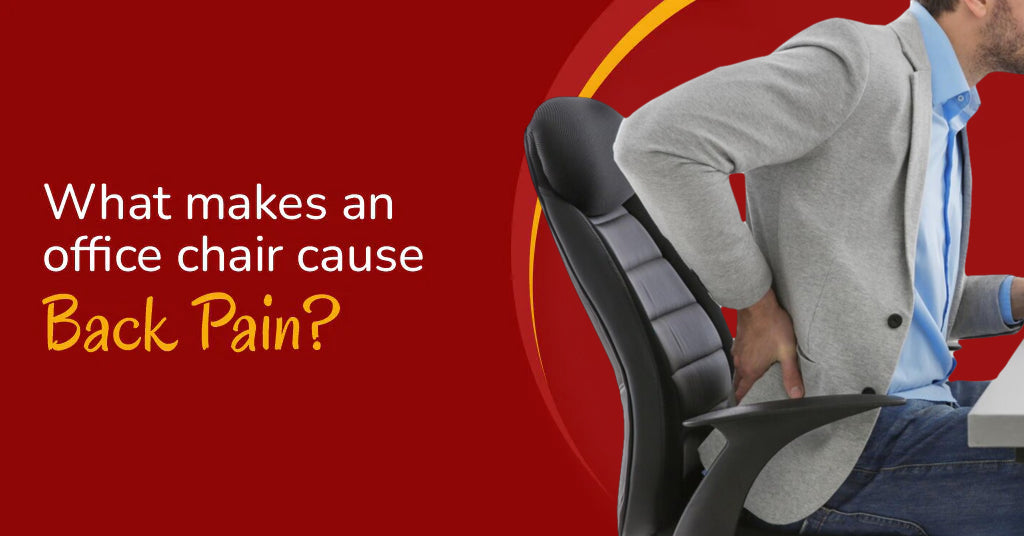
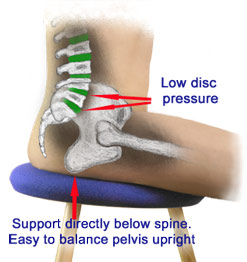
Sitting is not a neutral activity for your spine. When chairs force your pelvis to tilt backward, your lumbar curve flattens and the load on spinal discs and ligaments rises. Poorly placed armrests, low seat height, and lack of lumbar support all add stress that your muscles must fight to correct.
Prolonged sitting also reduces blood flow and weakens postural muscles over time. That combination—mechanical stress plus deconditioned muscles—explains why chairs cause back pain for many people.
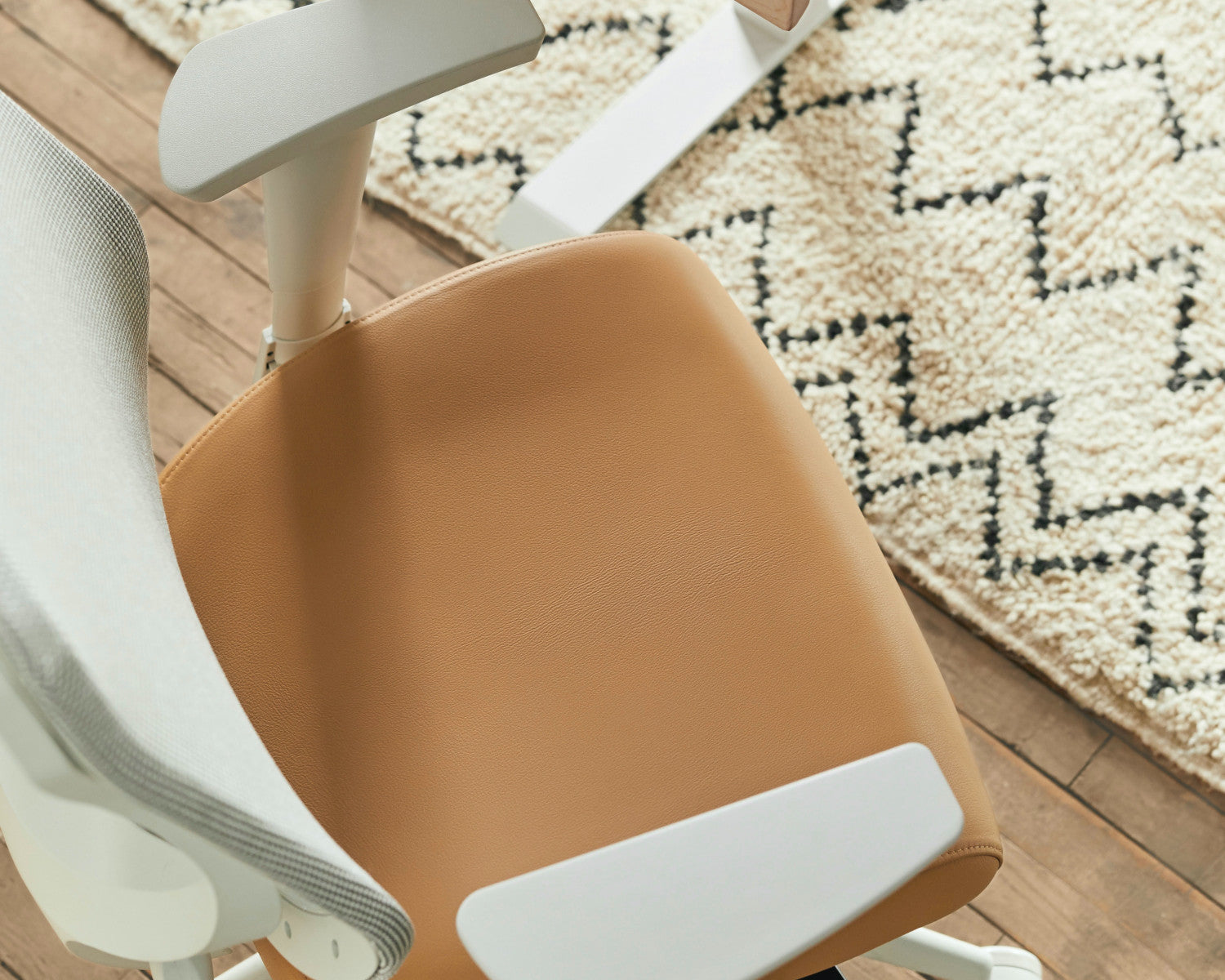
Common chair-related causes of back pain
Here are the most frequent chair features and sitting habits that cause pain:
- Lack of lumbar support: Seats with no lower-back curve let the lumbar spine sag, increasing disc pressure.
- Slumped seating angle: Deep, soft cushions make you sink and round your lower back.
- Seat too high or too low: Incorrect height changes hip and knee angles and forces compensatory posture.
- No adjustability: Fixed chairs can’t match individual spine shapes or task needs.
- Long uninterrupted sitting: Even a good chair can’t replace regular movement and breaks.
- Poor armrest position: Armrests too high or low change shoulder and neck posture, loading the upper back.
When you ask why chairs cause back pain, think of these features as cumulative risk factors that add up over hours and weeks.

Biomechanics: what happens to your spine when you sit
Understanding spinal mechanics makes the problem clear and solvable.
- Neutral spine and load distribution: A natural lumbar curve distributes forces evenly across vertebrae and discs.
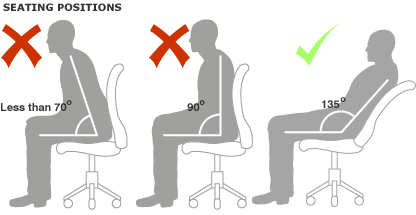
- Pelvic tilt matters: Sitting with a posterior pelvic tilt flattens the lumbar curve and shifts load to passive structures.
- Disc pressure increases when seated: Disc pressure is higher when sitting than when standing, especially when slouched or leaning forward.
- Muscle fatigue and pain: Postural muscles hold the spine in place; prolonged static contraction causes fatigue and pain signals.
These mechanical shifts explain why some chairs cause back pain quickly while others feel comfortable for longer.

People Also Ask — quick answers
Does sitting in the wrong chair cause permanent damage?
Sitting in a poor chair repeatedly can lead to chronic pain patterns and accelerated disc wear, but permanent damage is uncommon if corrected early. Changing habits, improving posture, and strengthening muscles usually reduce long-term risk.
How long can you sit before back pain starts?
Many people begin to notice discomfort after 30–60 minutes of static sitting, though individual thresholds vary. Frequent short breaks and posture changes delay pain onset.
Can a good chair eliminate back pain entirely?
A well-designed chair helps a lot but cannot eliminate pain by itself; movement, ergonomics, and lifestyle factors also matter.
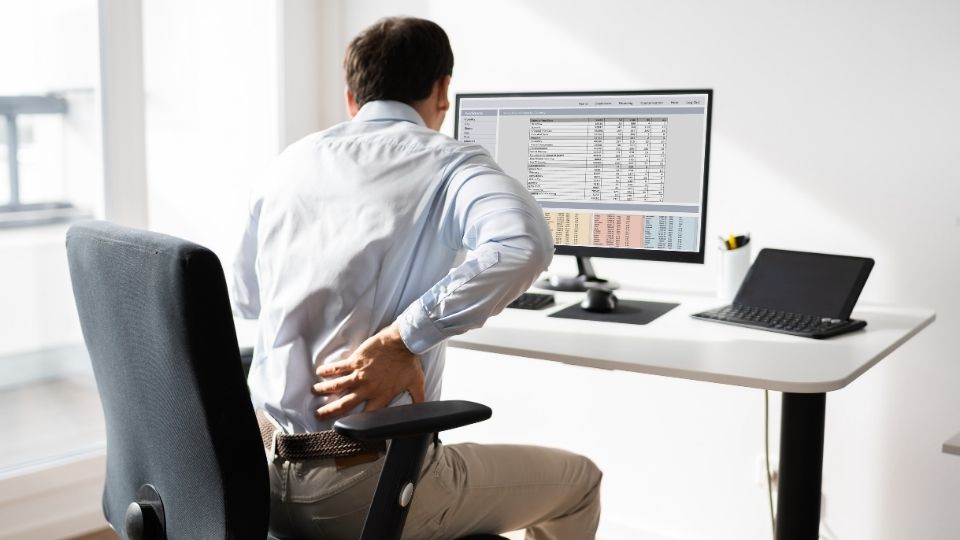
Risk factors that make chairs more likely to cause back pain
Certain personal and environmental factors raise the chance that a chair will hurt your back.
- Previous back injury: Old injuries can make you more sensitive to poor seating.
- Weak core and gluteal muscles: Weak stabilizers allow slouching and increase strain on passive tissues.
- Desk setup: Monitors too low or keyboards too far forward cause leaning and forward head posture.
- Sedentary job: Long hours without breaks magnify the negative effects of any chair.
- Body proportions: Tall or short bodies may not match generic chair dimensions, causing awkward postures.
Addressing these risk factors alongside chair changes gives better, longer-lasting relief.
Ergonomic fixes: how to reduce chair-caused back pain
You don’t always need a new chair. Try these practical ergonomic fixes first.
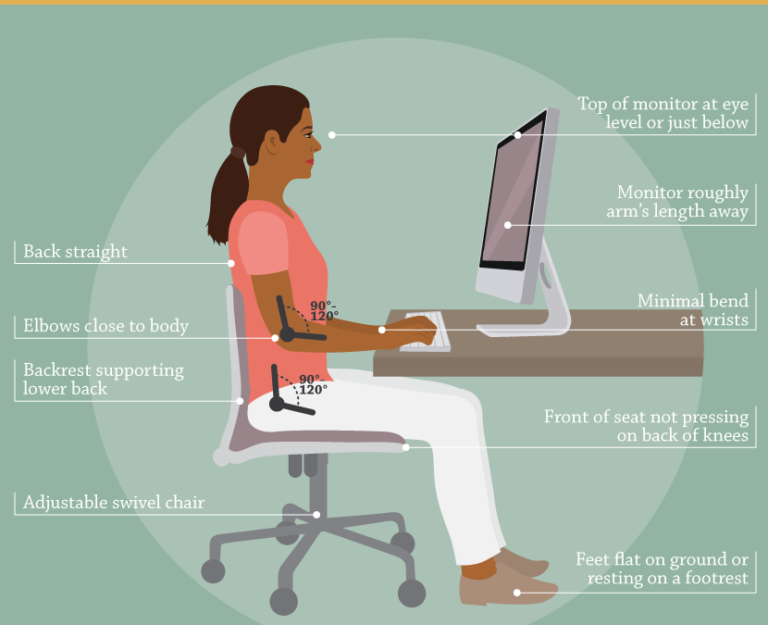
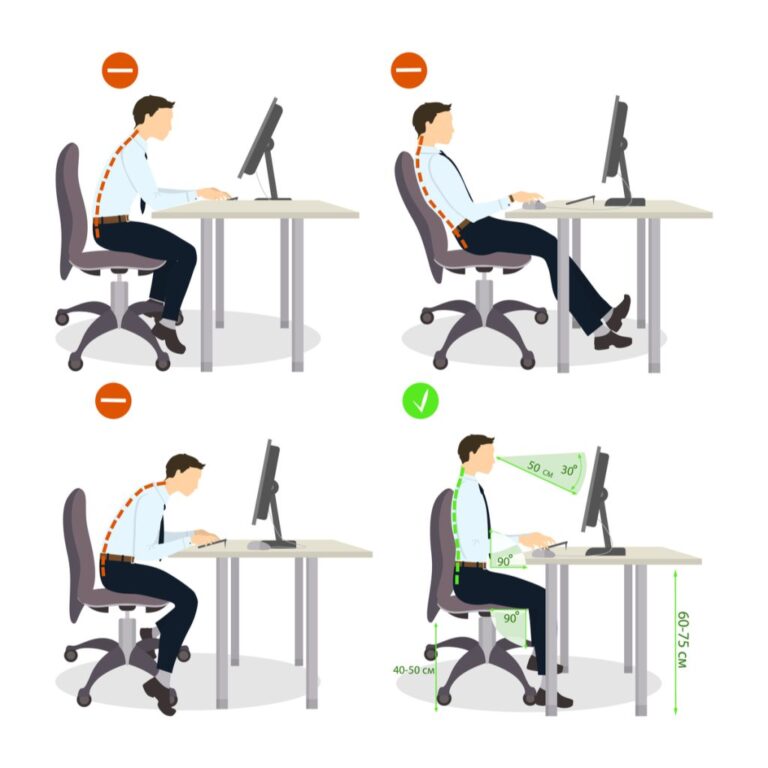
- Adjust seat height so feet rest flat and knees are at roughly 90 degrees.
- Use a lumbar roll or cushion to restore the lower-back curve.
- Sit back so your buttocks touch the chair’s backrest; avoid perching on the seat edge.
- Move the monitor to eye level and bring the keyboard close to avoid leaning forward.
- Set a timer to stand and move for 2–3 minutes every 30–45 minutes.
- Replace soft, sagging cushions with firmer seating that supports an upright posture.
Small adjustments often provide quick relief and teach your body a better posture pattern.
Exercises, stretches, and movement strategies
Combining movement with chair adjustments reduces pain and improves tolerance for sitting.
- Hip flexor stretches: Tight hips tilt the pelvis forward; simple lunges help restore mobility.
- Glute activation drills: Bridges and clamshells strengthen hips to support upright posture.
- Core stability moves: Planks and dead bugs improve control of the lumbar spine.
- Thoracic mobility exercises: Gentle rotations reduce compensatory upper-back stiffness that affects sitting posture.
- Micro-movements: Shift weight, change leg position, and do seated marches to avoid static loading.
Progress slowly and consult a professional if pain is severe or worsening.
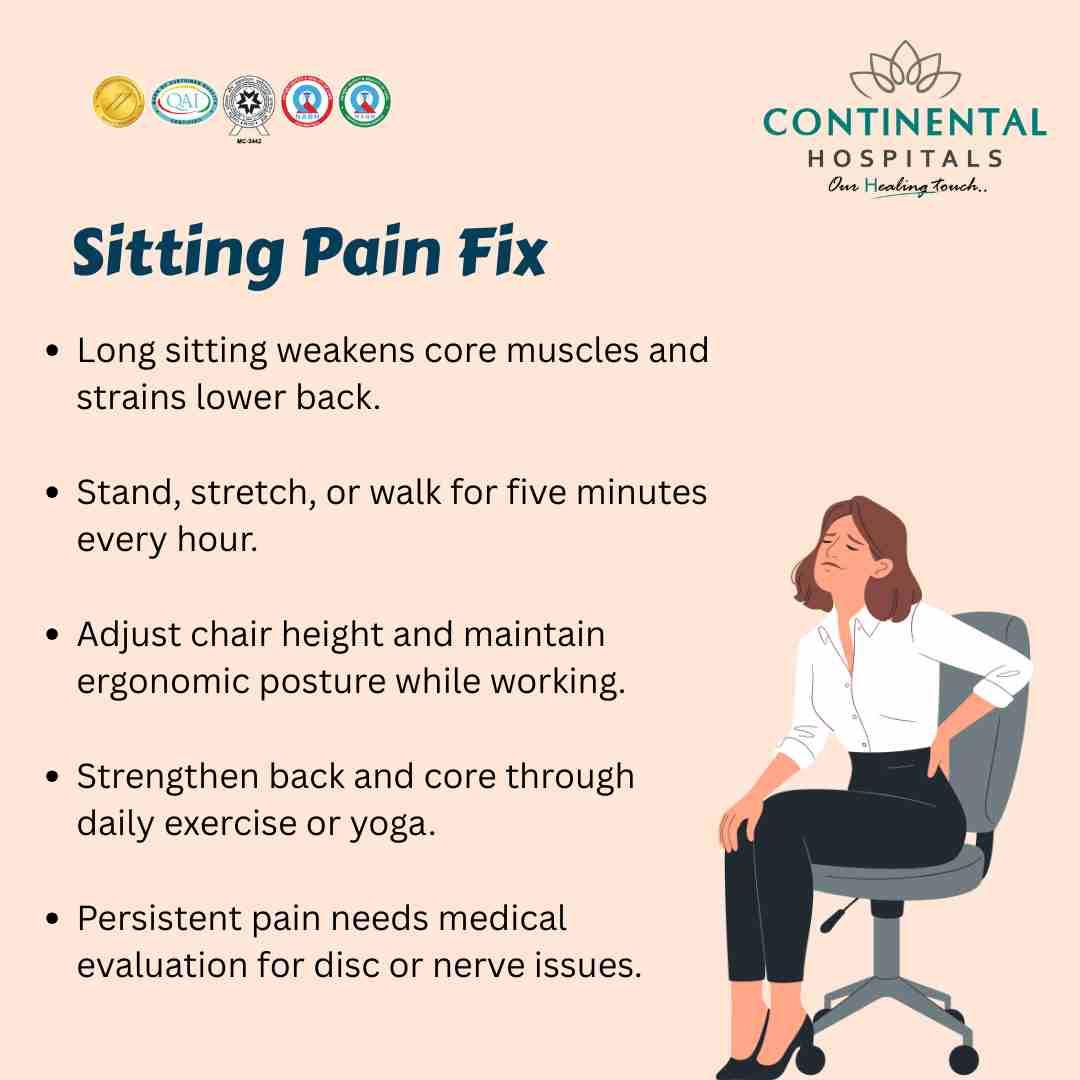
Choosing the right chair and adjustments
If you need a new chair, look for features that directly address why chairs cause back pain.
- Adjustable seat height and depth: Match the chair to your leg length and desk setup.
- Firm lumbar support, adjustable in height and depth: Supports the lumbar curve directly.
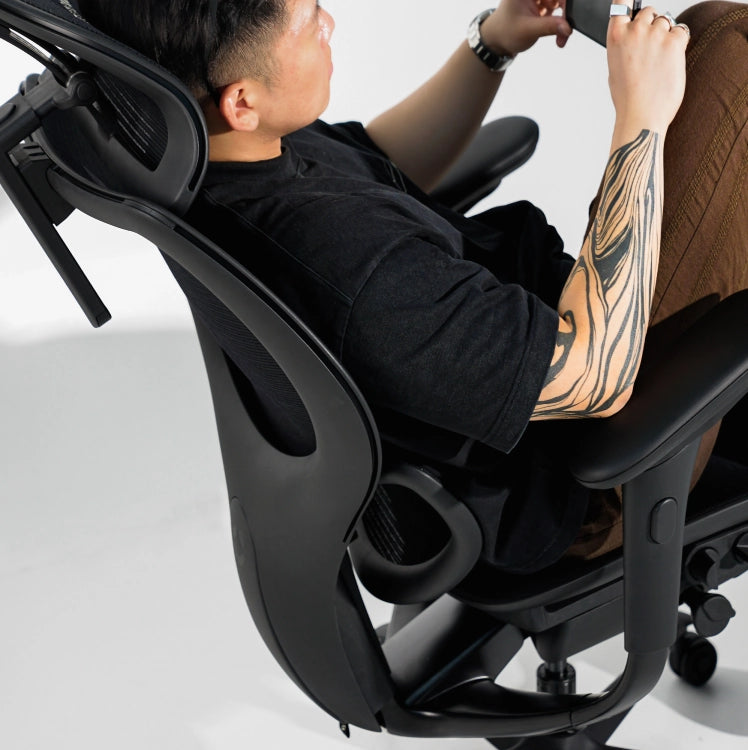
- Recline and tilt features: Allow position changes and redistribute pressure.
- Breathable, firm cushion: Avoid overly soft seats that encourage sinking.
- Adjustable armrests: Support the forearms without elevating the shoulders.
Try chairs in person if possible, sit for at least 15–20 minutes in a setup that mimics your daily work. A chair that sounds right on paper can still feel wrong when used.
Personal experience: what I’ve learned from using chairs that cause back pain
Years of testing chairs and coaching people taught me a few simple truths.
- I once switched to a softer chair thinking comfort meant less pain, and my lumbar pain worsened within a week. Firm support helped more than cushy comfort.
- I underestimated micro-breaks. Standing and walking for two minutes every 30 minutes made a bigger difference than any chair upgrade.
- Customization beats brand names. A cheap chair with the right lumbar roll and setup worked better for me than an expensive but poorly adjusted model.
Lessons learned: focus on posture, movement, and match the chair to your body. Avoid thinking a chair is a cure-all—it's part of a system.
Frequently Asked Questions of why chairs cause back pain
Why do ergonomic chairs still cause back pain?
Ergonomic chairs can still cause back pain if they are not adjusted to the user, if the desk setup forces poor posture, or if the user stays static for too long. Correct fit and movement patterns are essential.
Can changing my chair fix chronic back pain?
Changing a chair can help reduce symptoms, especially if poor support was a major factor, but chronic pain often needs a combined approach of exercise, posture training, and sometimes medical advice. Treat the chair as one part of a broader plan.
Is standing all day better than sitting to avoid back pain?
Standing reduces some problems from sitting but can create others, like hip or calf fatigue, if done excessively. Alternate between sitting, standing, and moving for best results.
What chair features most reduce lumbar strain?
Adjustable lumbar support, proper seat height, and a backrest that supports the lower back while allowing slight recline are most effective at reducing lumbar strain. Personal adjustment matters more than flashy features.
How quickly will back pain improve after fixing my chair?
Many people notice improvement within days to a few weeks after adjusting their chair and adding movement breaks. Persistent or severe pain should be evaluated by a healthcare professional.
Conclusion
Why chairs cause back pain comes down to mechanics, poor support, and too much static sitting. By understanding how sitting alters spinal loads, adjusting your chair to support the lumbar curve, introducing frequent movement, and strengthening key muscles, you can greatly reduce or prevent chair-related back pain. Start with small, testable changes today—adjust your seat height, add a lumbar cushion, and set a movement reminder—and see how your back feels after a week. If this article helped, try one adjustment now and share your progress or questions below.